secrets in Github Actions
-
Using secrets in GitHub Actions
- Secrets allow you to store sensitive information in your organization, repository, or repository environments.
-
If a secret value appears in the workflow logs, it will be replaced with
***.
-
Example
-
Set two secrets in the repository:
FOO='BAR'andBAR='FOO'.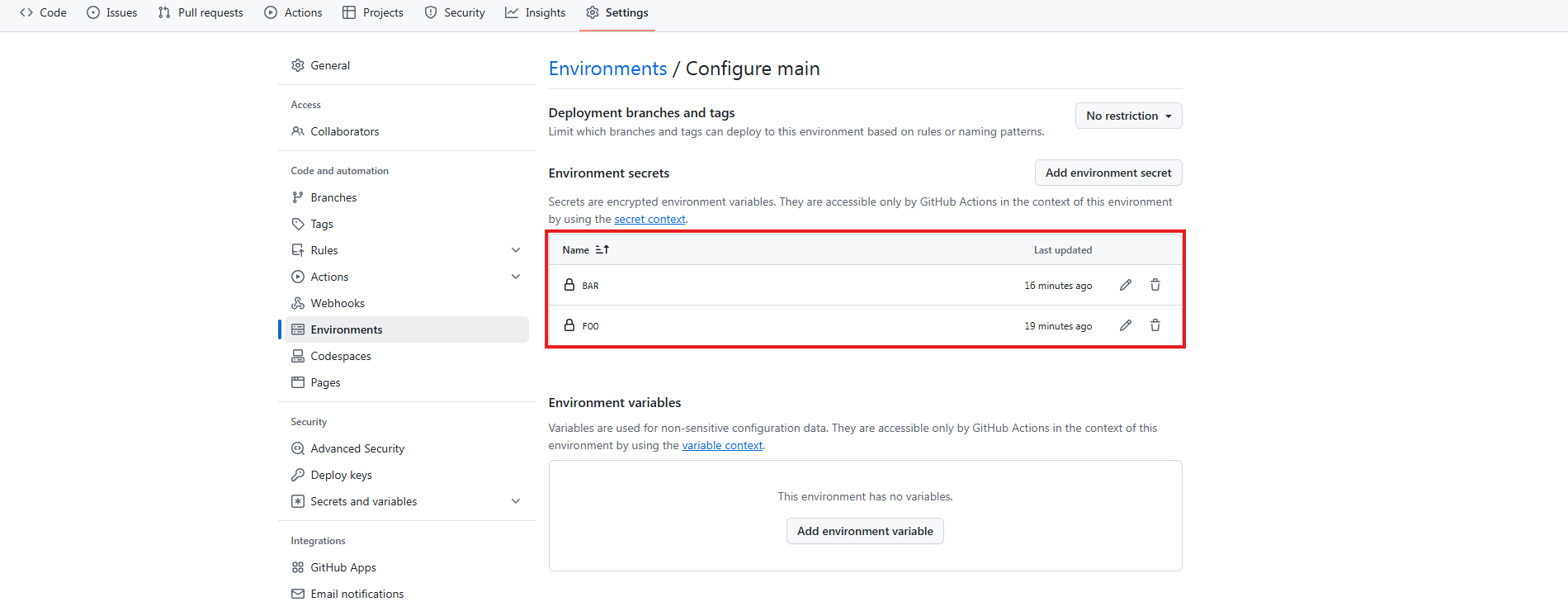
Set environment secrets -
Write a workflow to print the secrets.
  name: print secrets

  on:
    workflow_dispatch:

  jobs:
    print:
      runs-on: ubuntu-latest
      environment: main

      steps:
        - name: foobar
          run: 'echo "The secret FOO is: ${{ secrets.FOO }}"'
        - name: barfoo
          run: 'echo "The secret BAR is: ${{ secrets.BAR }}"'
.github/workflows/print-secrets.yaml -
Run the workflow.
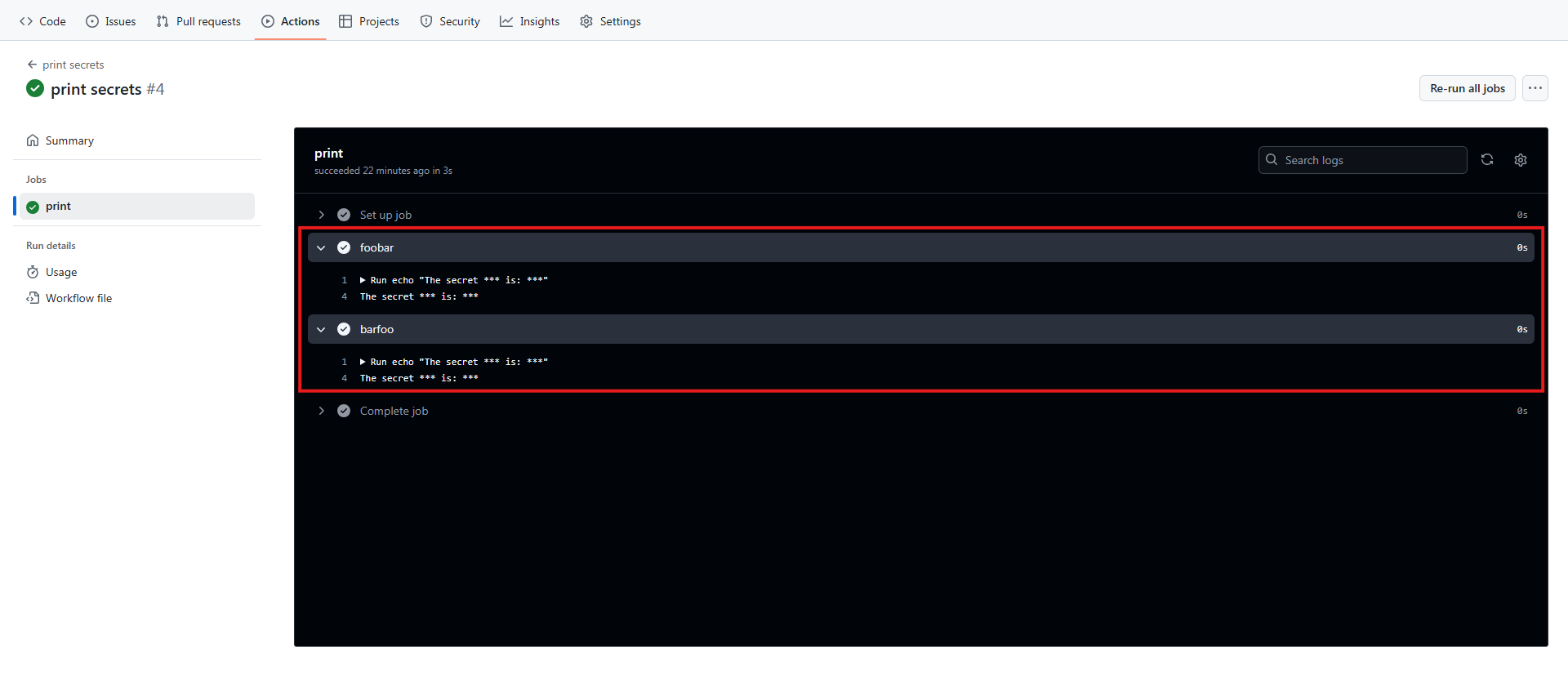
Result of running the workflow
-
Set two secrets in the repository: